Last Updated on December 5, 2025
Are you still using spreadsheets and desktop software to manage your finances?
Yeah, as a freelancer I was there and it sucked, especially when I needed to do repetitive tasks manually.
It is time for you to consider shifting to modern business practices by embracing cloud accounting.
15% of businesses who moved to cloud accounting saw a jump in their sales, which shows that this is the future of accounting.
Have you ever wondered what the difference is between traditional accounting and cloud accounting?
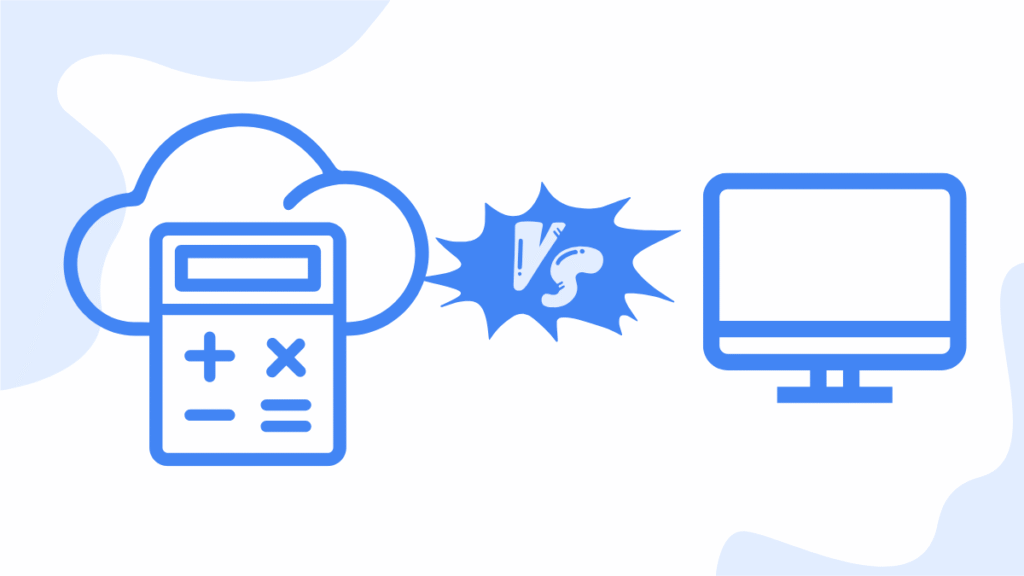
In this article, I look at desktop vs cloud accounting so that you make an informed decision for your business.
I will show you all the features of cloud accounting that make it stand out as the preferred accounting practice by millions of business owners across the globe.
Jump To Section:
What is desktop accounting?
Traditional accounting is the old way of managing your finances using desktop accounting software.

Your financial data is stored locally in your desktop computer or server and the only way to access it is by logging into your computer.
This means access to your data is only limited to one computer and one location.
There’s a great deal of manual processes, with the use of paper ledgers, spreadsheets and software like the old QuickBooks Desktop
A lot of time is wasted doing things manually and it’s not a very efficient way to manage your accounts.
What is cloud accounting?
Cloud accounting, on the other hand, is light years ahead of traditional accounting.
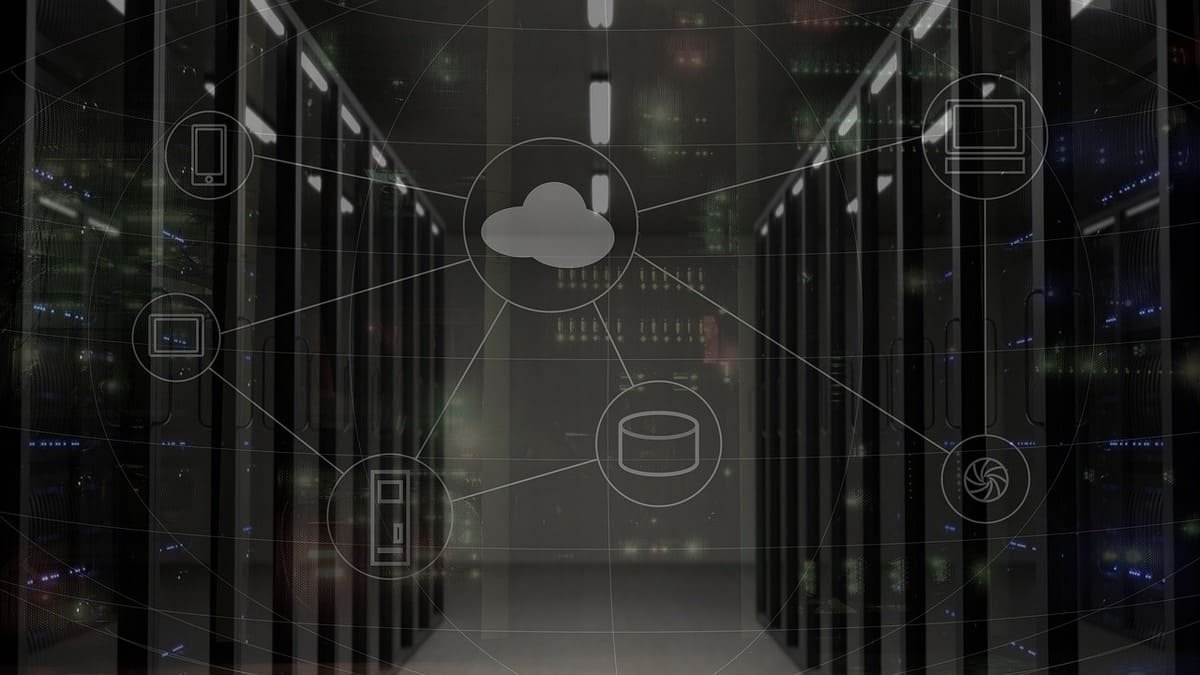
Here you manage your business finances by making use of online accounting software.
Instead of being tied to one location, you access your finances anywhere, anytime and on any device as long as you’re connected to the internet.
The best thing about cloud accounting is that it is user-friendly even if you don’t have an accounting background.
A lot of service providers and helpful resources are available to help you get started or troubleshoot if there’re issues.
In order to illustrate what I’m saying, the following section has a table showing the differences between cloud accounting and traditional accounting.
Key Differences: Desktop vs Cloud Accounting
| Feature | Desktop Accounting | Cloud Accounting |
| Accessibility | Device/location limited | Any device, anywhere |
| Real-Time Data | Not real-time | Real-time updates |
| Security & Backups | Manual backups, local risks | Encrypted, automatic backups |
| Cost | Upfront licensing fees | Subscription-based |
| Collaboration | Harder, usually single-user | Multi-user access & sharing |
| Integration | Limited or manual | Connects with 100+ apps |
| Updates & Maintenance | Manual updates needed | Auto-updates |
| Scalability | Hard to scale | Easily scalable |
Pros and cons of each approach
From the table above, you can easily see that cloud accounting is superior to traditional accounting.
However, let’s look at the pros and cons of each method of accounting because not all roses are red.
Traditional accounting:
Pros
- Long-time users are familiar with the software or even manual bookkeeping methods
- You have full offline control without relying on the internet to access your records
- There’re no subscription fees but only a single upfront cost of setting up the software and IT infrastructure.
- There’s no third party to handle your data since everything is stored locally
Cons
- High risk of data loss if your computer is stolen or crashes without proper data backup
- Prone to errors as collaboration involves using emails and USB drives
- Limited access and collaboration since all the financial data is found on one device in one location
- Software updates are costly as they need IT support and they are done manually
- Lack of real-time financial insights and smart analytics
Cloud accounting
Pros
- You get real-time financial updates as each transaction is entered
- Access your financial data anywhere and anytime as long as there is internet connection
- Easily collaborate with clients, team members and clients
- Robust security and automatic backup
- Scaling up is easy as your business grows
- Software updates are automatic and handled by the service provider
- Numerous integrations with other tools like payroll, inventory management and more
Cons
- You need internet access, which can be a challenge in remote areas
- You pay a monthly subscription and this adds up over time especially if you use premium add-ons
- Learning curve may be steep for new users
- Data privacy concerns as sensitive financial data is stored by a third party
Who should use what?
Although I strongly recommend you to try cloud accounting because of the benefits, there’re a few cases where one may still use traditional accounting.
Desktop accounting may still suit you in these scenarios:
- Limited digital access and relying mainly on paper spreadsheets
- Data privacy concerns
- No internet access
Cloud accounting is suitable for these businesses:
- Freelancers
- Growing businesses
- Remote teams
- Businesses that value automation and flexibility
Future trends
It is important to stay prepared for changes that take place so that your business is not taken out by rapidly evolving businesses.
Here are areas you should take note of in accounting as businesses are increasingly adopting these strategies.
1. Adoption of cloud technology
Studies show a continuous adoption of cloud services each year.
This was further accelerated by the COVID-19 pandemic, where remote workers became an integral part of the workforce.
Businesses are moving away from desktop systems and manual systems as the future of accounting resides in the cloud.
2. AI and automation
Cloud platforms are integrating AI in their systems to perform tasks like smart insights, automatic data entry and predictive analytics.
Even tasks like invoice creation, categorizing of expenses, and sending reminders are now automated.
Businesses also include AI chatbots and virtual accounting systems in their systems.
3. Real-time decision making
Cloud accounting tools offer live dashboards with real-time financial reports.
There’s no need to wait for reports generated at the end of the month to make decisions.
It’s easy for you to make critical decisions on the go.
4. Increased demand for remote collaboration
It’s now easy to conduct business globally, thanks to the internet.
Even if your team members are located in different parts of the world, you can collaborate in real-time.
Tools like cloud accounting software make remote work possible as part of resources that enable business to conduct operations virtually.
5. Enhanced data security and compliance
Cloud accounting providers continue to improve security features of their platforms.
Features like bank-grade encryption, multi-factor encryption and backups ensure your data is always secure.
It’s also easy to stay compliant with tax laws and data privacy laws as these are automatically updated accordingly in each region.
6. More app integrations
As more financial services are online, developers are creating more apps that integrate seamlessly with cloud accounting tools.
These integrations become smarter and tighter as the app ecosystem continues to evolve.
Already, you can easily link cloud accounting platforms with tools like Shopify, payment gateways, payroll tools, inventory management tools and more.
7. Subscription-based pricing is here to stay
Instead of paying for expensive software licences yearly, cloud service providers allow you to pay a small monthly fee to use their platform.
You only pay for services that you need by selecting the appropriate pricing plan.
In most cases, there’s a huge discount for new users so that you keep costs low as you set things up.
8. Accounting becomes more advisory
Modern accounting enables you to be more proactive instead of being reactive.
Your accountant can access real-time financial data so as to give proactive support and strategic guidance.
Automation of tasks allows accountants to spend more time giving financial advice instead of data entry.
9. Mobile-first accounting
More users access the internet using mobile devices instead of desktop computers.
This means cloud accounting is continuously optimized for mobile devices, whether Android or iOS.
Features available on desktop versions are increasingly incorporated in mobile apps.
10. Eco-friendly solution
Cloud accounting leans towards eliminating printed receipts, reports and invoices in favour of digital records.
Final thoughts
Cloud accounting is here to stay and it’s never too late to make your business future-proof.
To conclude, here are the takeaways highlighting the key benefits of cloud accounting.
- Traditional accounting no longer meets modern demands.
- Mobile access enables real-time accounting anywhere and anytime
- Cloud accounting is perfect for business growth as it scales with you
- Fewer manual entries and automation minimizes errors and saves time
- Real-time financial reports enable fast business decisions
- You can test all features of top softwares risk-free
If you’re ready to take things to the next level, check out the top 10 cloud accounting companies.

- Best Accounting Software For Restaurants In 2026 - January 5, 2026
- Best Accounting Software For Retail Businesses In 2026 - January 4, 2026
- Best Accounting Software For Property Management - January 4, 2026